








Interactive playback preview — built in OpenFMV
OpenFMV treats a story as a blueprint and breaks each scene into editable interactive nodes. Creators map the story path first, then arrange video, images, audio, text, buttons, QTEs, and branch actions inside each node before previewing and exporting a playable work locally.
Designed for interactive storytelling
OpenFMV brings story structure, interactive nodes, asset management, playable preview, and AI creative assistance into one desktop creation flow.
Story blueprint
Use start nodes, scene nodes, ending nodes, and connections to make branches, multiple endings, and hidden paths visible instead of buried in scripts or spreadsheets.
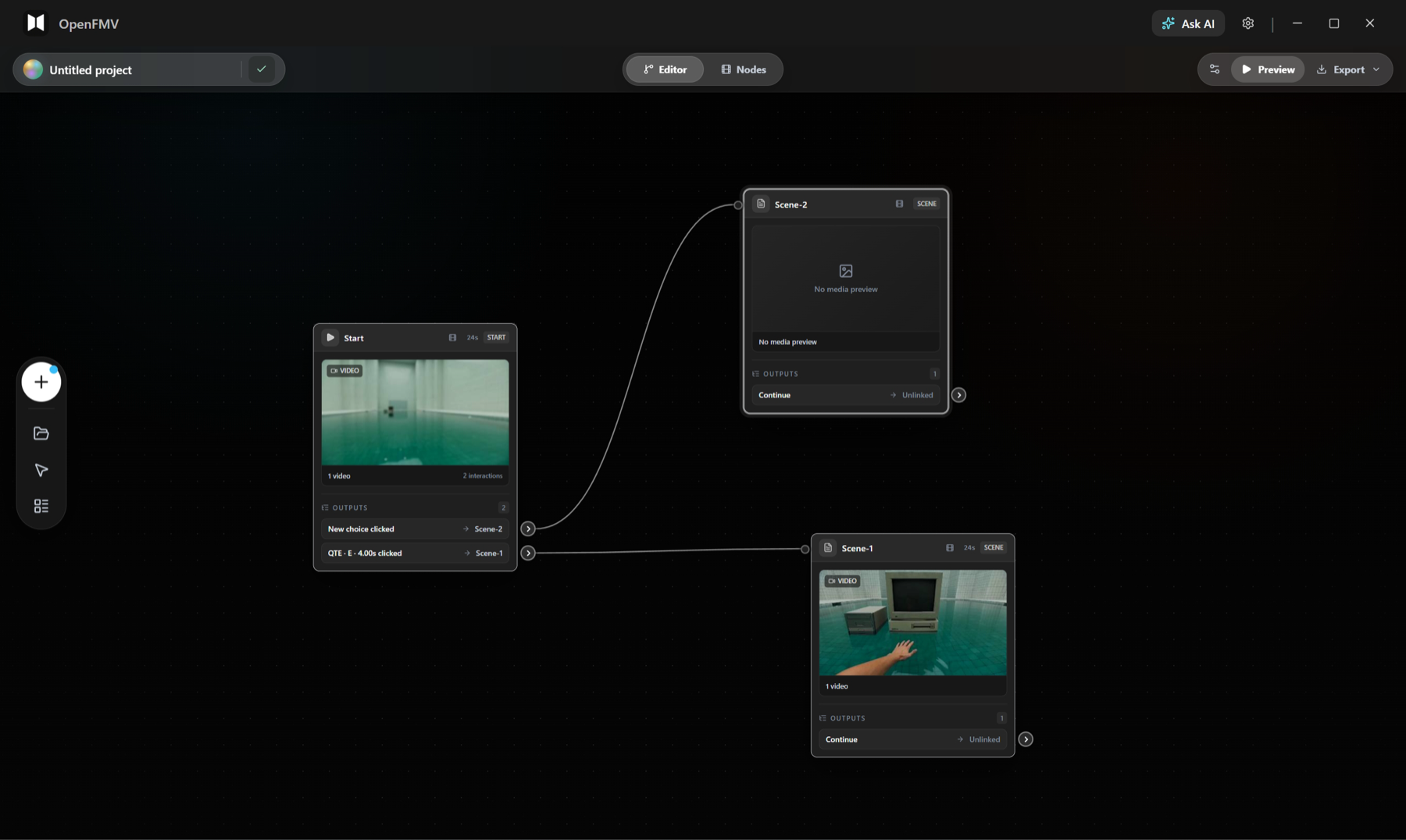
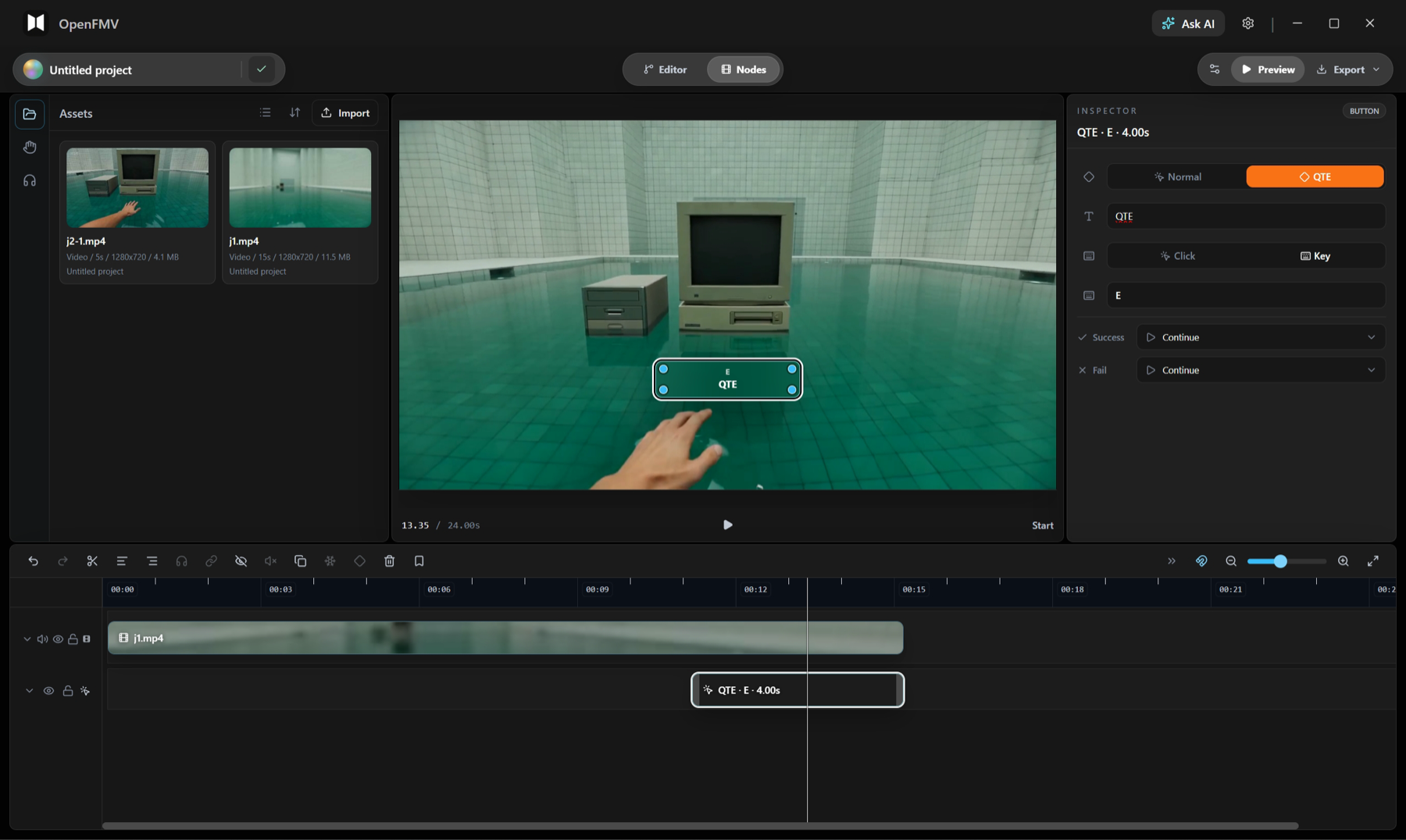
Interactive nodes
Arrange media, overlays, and interaction clips inside each scene, including trims, splits, keyframes, buttons, QTEs, pause gates, and branch actions.
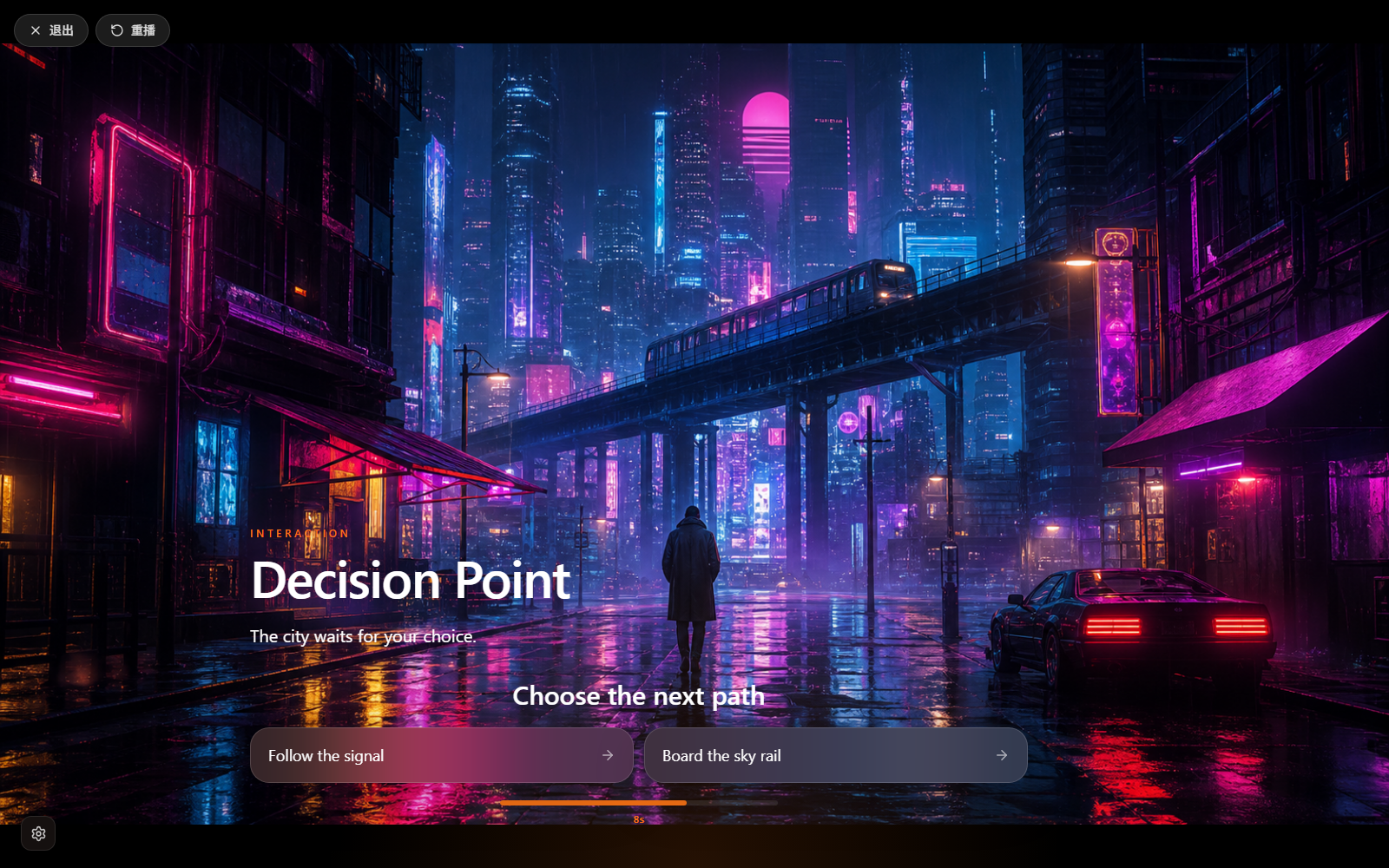
Interactive playback
Check whether the story can enter the next node and whether buttons, QTEs, timeout actions, and blueprint connections trigger as expected.
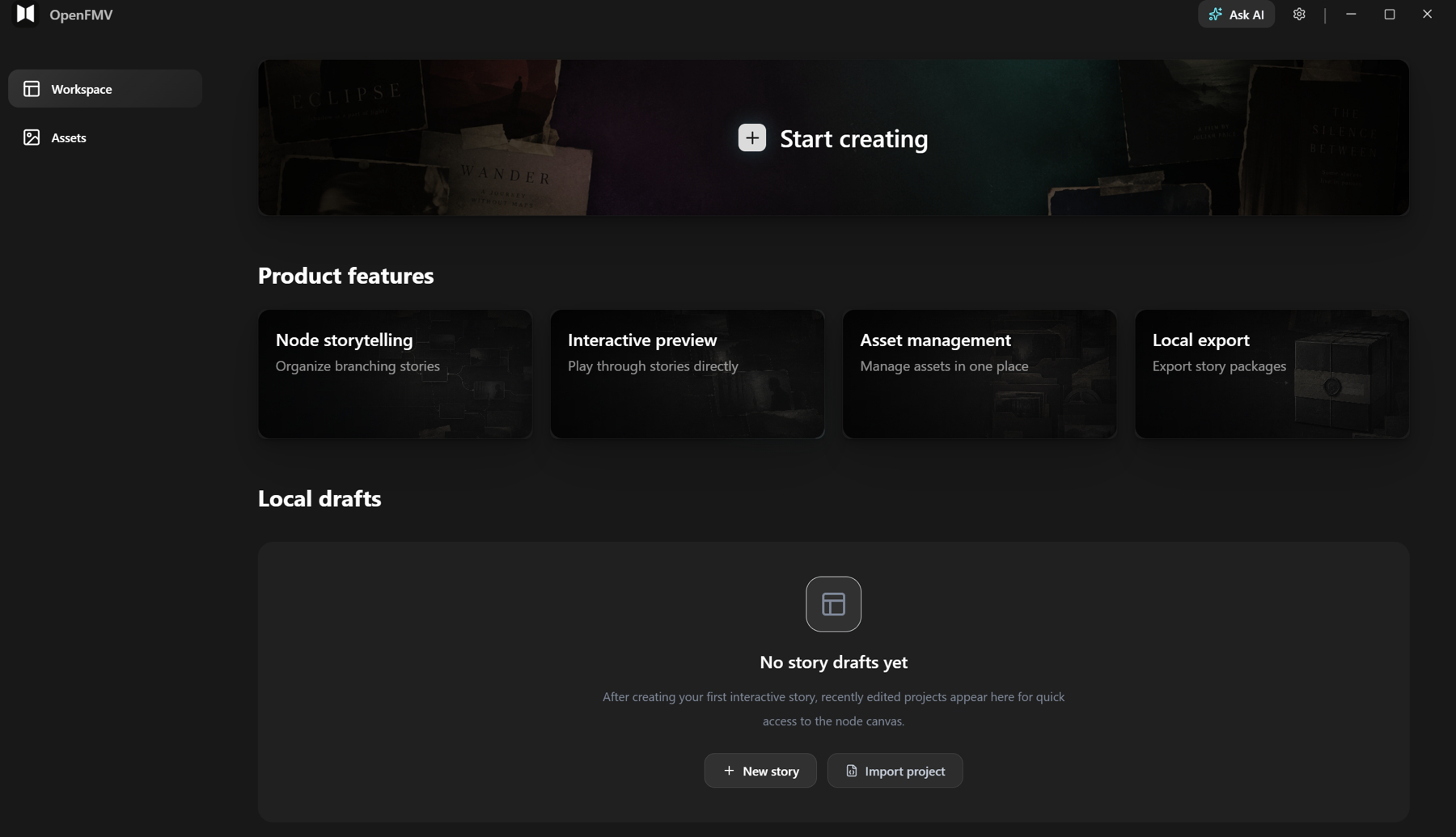
Local workspace
Manage local drafts, project files, assets, settings, and exports without accounts, cloud sync, or an online database.
From story blueprint to playable work
Start from a local draft, build the branching structure, create interactive nodes, manage assets, use AI for creative support, then preview and export a Web playable package.
Interactive nodes
Tune media tracks, interaction tracks, buttons, QTEs, and jumps
- 01
Manage local drafts
Create stories in the workspace, search projects, duplicate or delete drafts, import project files, and review node, edge, and asset counts.
- 02
Build the story blueprint
Create start nodes, scene nodes, and ending nodes in the Editor canvas, then connect them to express story flow, branches, and output routes.
- 03
Create interactive nodes
Use Nodes to arrange video, images, audio, text, buttons, QTEs, keyframes, and branch actions inside each scene.
- 04
Preview and export locally
Walk through branch paths and interaction timing in the player, then export a Web playable package with story data and local assets.
Product interface overview
A moving strip of the story blueprint, interactive nodes, local workspace, playable preview, and asset management surfaces already present in OpenFMV.
Built for a desktop creation flow
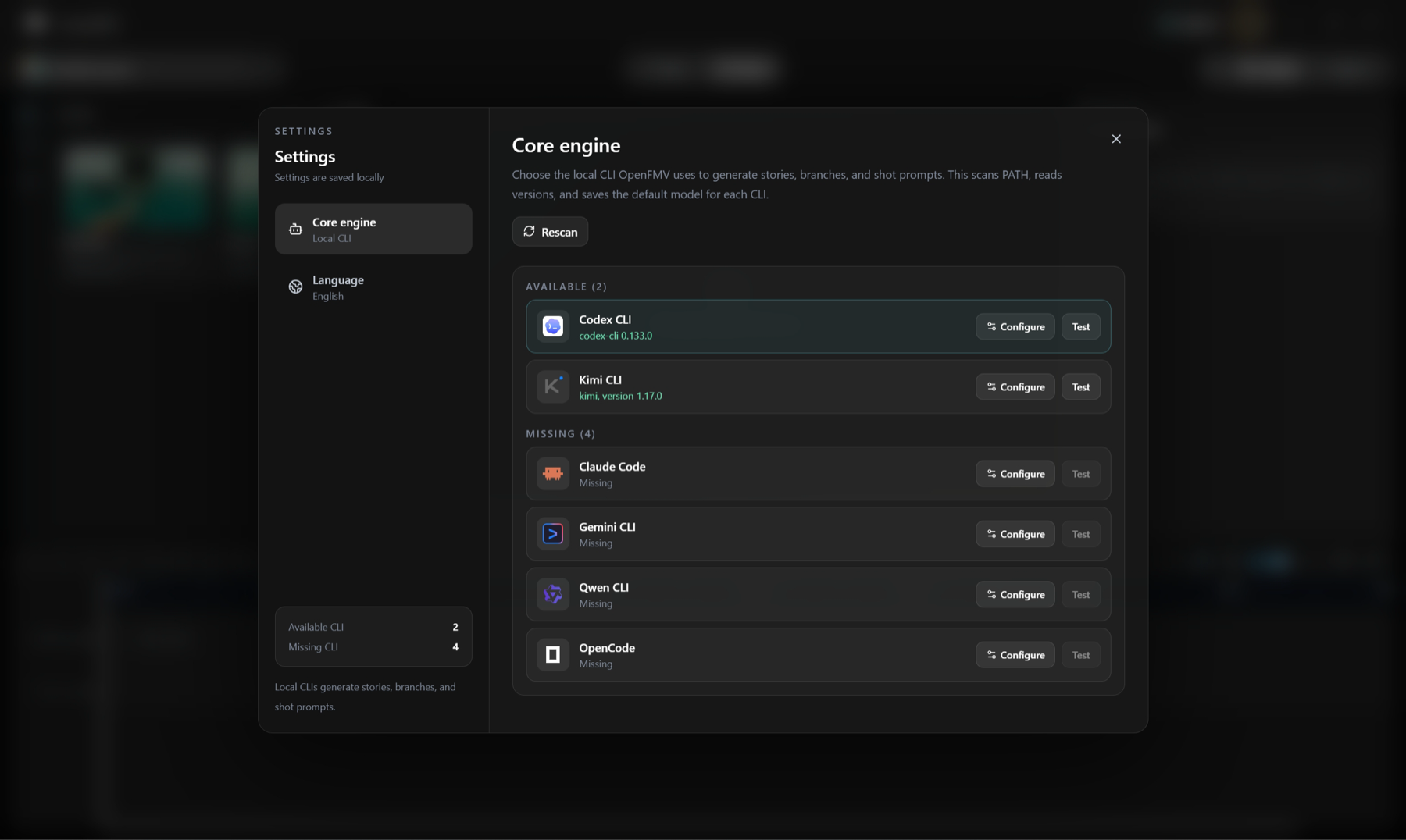
OpenFMV combines graph editing, interactive nodes, local project persistence, Electron desktop access, and optional local AI terminal assistance.
Common questions, answered for the current version
For implementation details, open the OpenFMV repository.
OpenFMV is an AI Native interactive content editor for interactive videos, branching stories, and interactive short dramas. It brings story blueprints, interactive nodes, asset management, playable preview, and AI creative assistance into one desktop creation flow.